
Drag & Drop image files here or click to upload
Looking for a fast and simple way to merge JPG files into a single image? Our free online JPG merger helps you merge photos, scanned pages, or design elements into one high-quality JPG right in your browser, no software needed. Whether you’re a student organizing assignments, a professional compiling visual reports, or a designer building a photo collage, this tool makes it easy in just a few clicks.
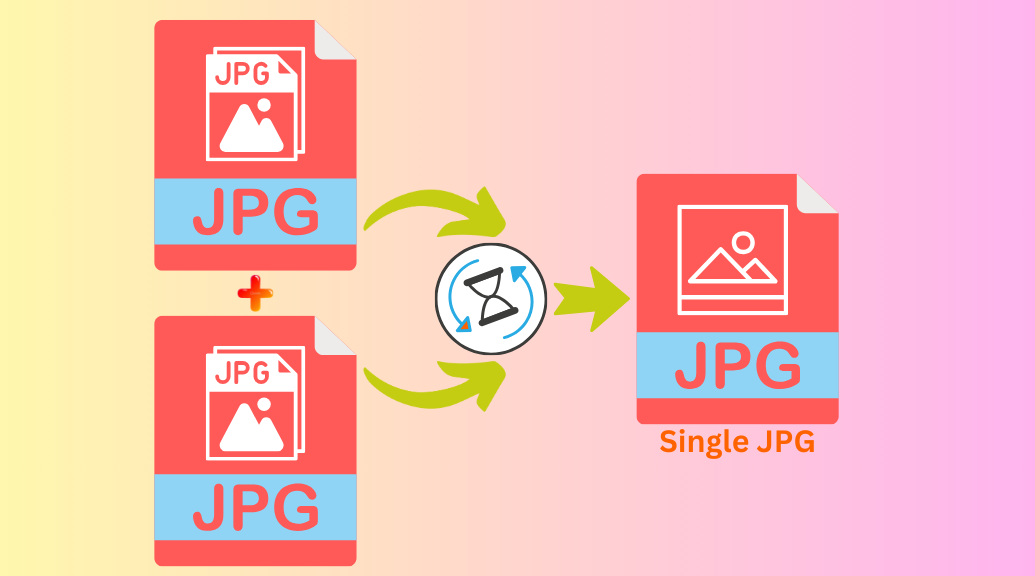
Merged JPG Images
How to Merge JPG Files Online
Follow these quick steps to merge JPGs without losing quality:
1. Upload Your JPG Images
Click the Upload Images button or drag and drop multiple JPG files. Our tool supports batch uploads, so you can add several files at once.
2. Arrange the Image Order
Drag and reorder your images exactly how you want them. Choose your layout style:
- Horizontal Merge – Place images side by side.
- Vertical Merge – Stack images on top of each other.
3. Merge and Download
Click Merge, and your images will be combined instantly. Preview the result and download your merged file in seconds.
Why Use Our JPG Merger?
✅ 100% Free – No sign-up or watermarks
✅ Easy to Use – Clean interface with drag-and-drop support
✅ High Quality – Maintains original resolution
✅ Secure – Files are automatically deleted after processing
✅ Browser-Based – Works on any device, no installation required
Popular Uses for JPG Merging
✔️ Combine scanned pages into a single image
✔️ Create a simple photo collage
✔️ Merge screenshots for documentation
✔️ Assemble design elements into one file
Start Merging JPGs in Seconds
Skip the hassle of software downloads. Try our JPG merging tool now and turn multiple images into a single file fast, free, and easy.